Type the complaint
“Cough”, “anxiety”, “lower back pain”, “can't sleep”. Search understands synonyms and everyday words, tolerates typos and shows which sub-program matched.
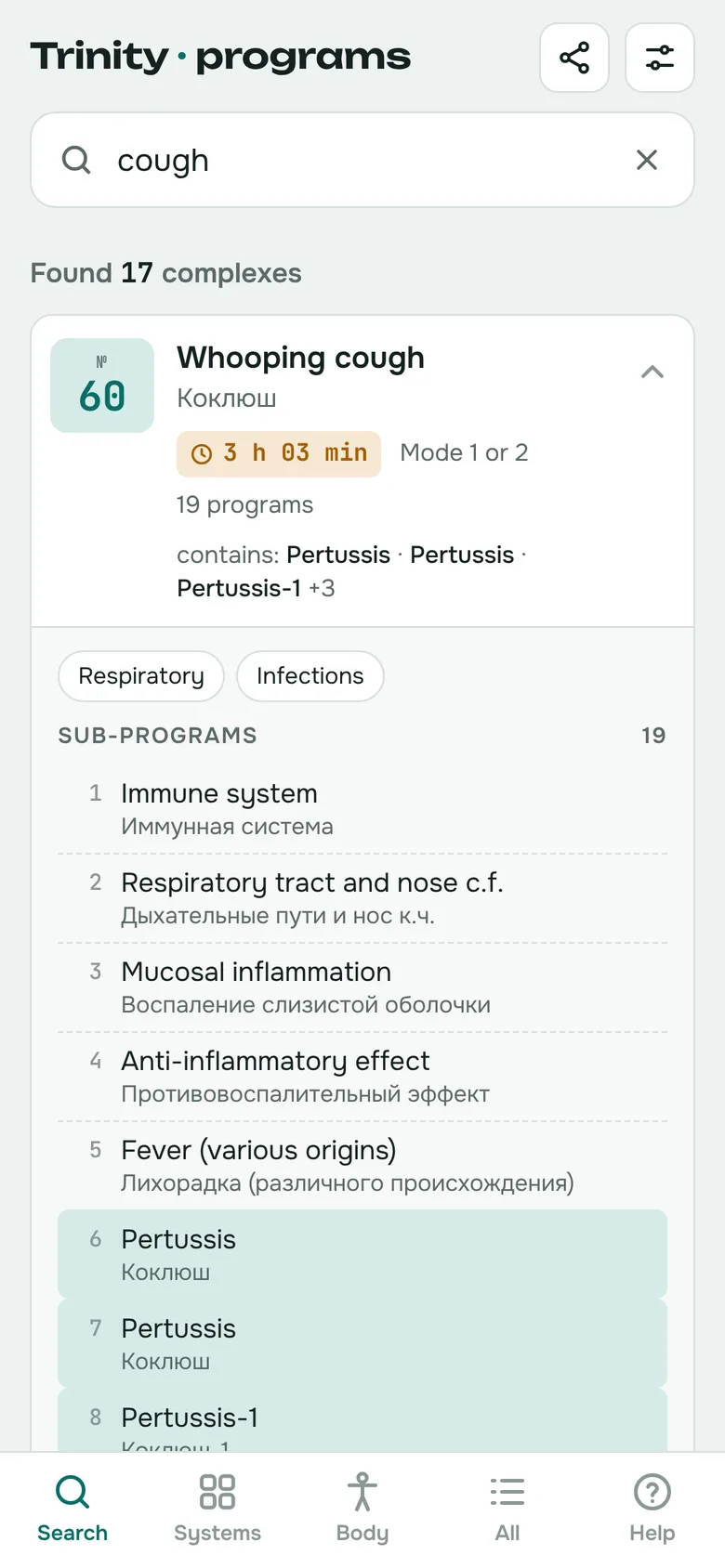
Search all 254 complexes and 1,303 sub-programs by complaint, body system or body part. See the device number and duration right away — in English, Russian and Bulgarian.
14 days free · no sign-up · no card
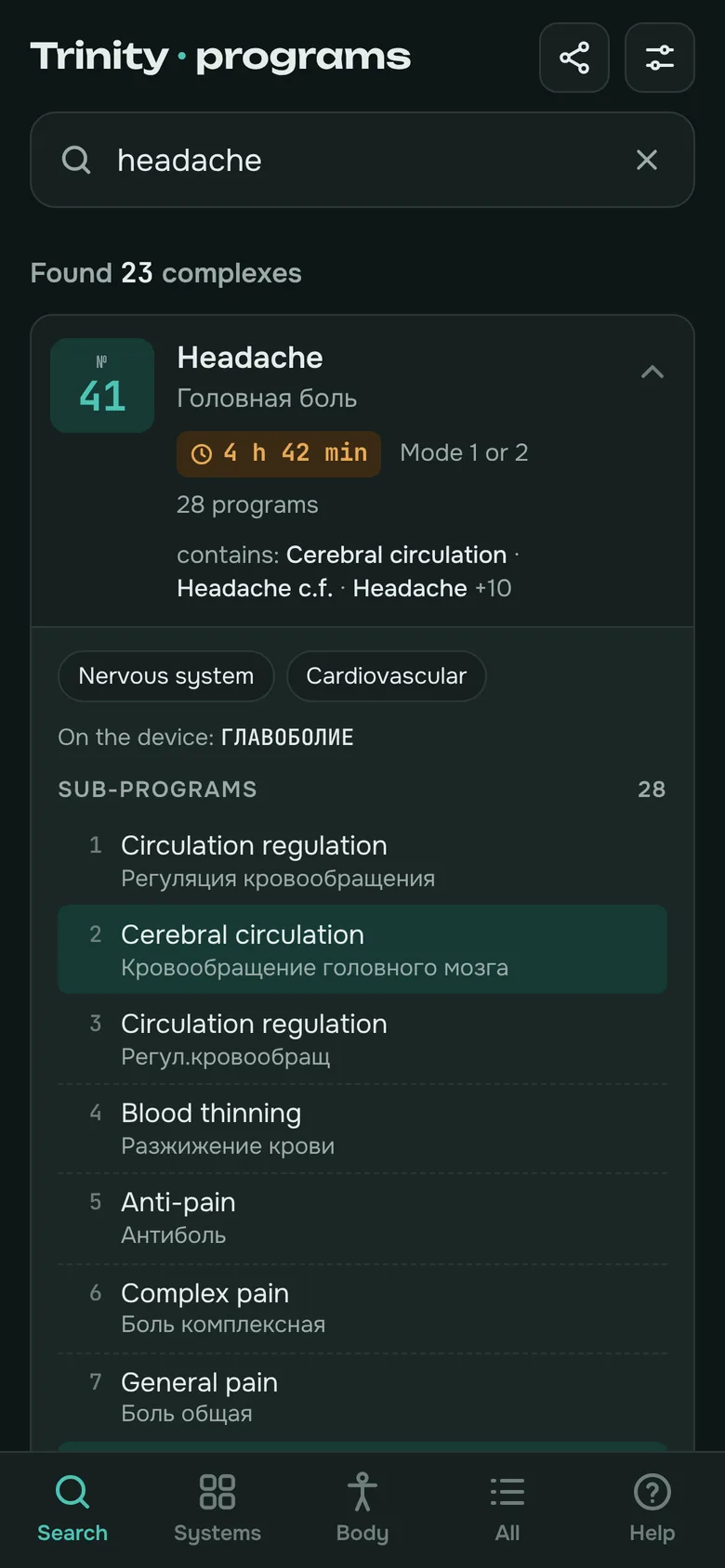
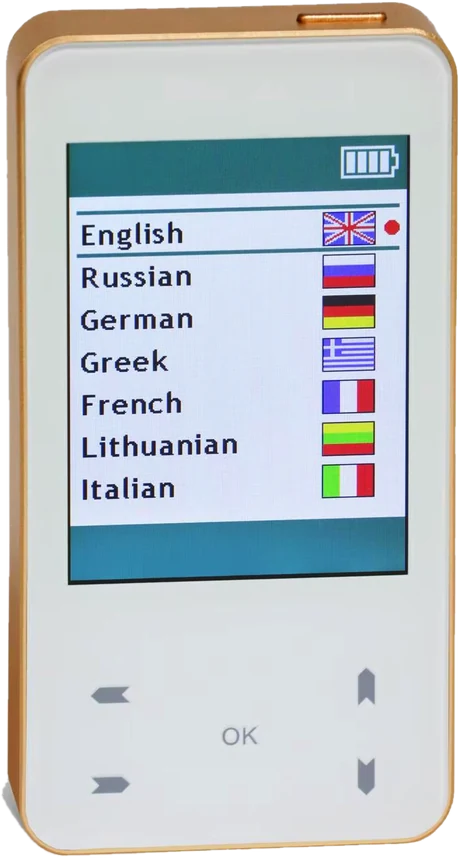
On the device the list is alphabetical and the sub-programs are in Russian. The app arranges it by complaint, body system and body part.
“Cough”, “anxiety”, “lower back pain”, “can't sleep”. Search understands synonyms and everyday words, tolerates typos and shows which sub-program matched.
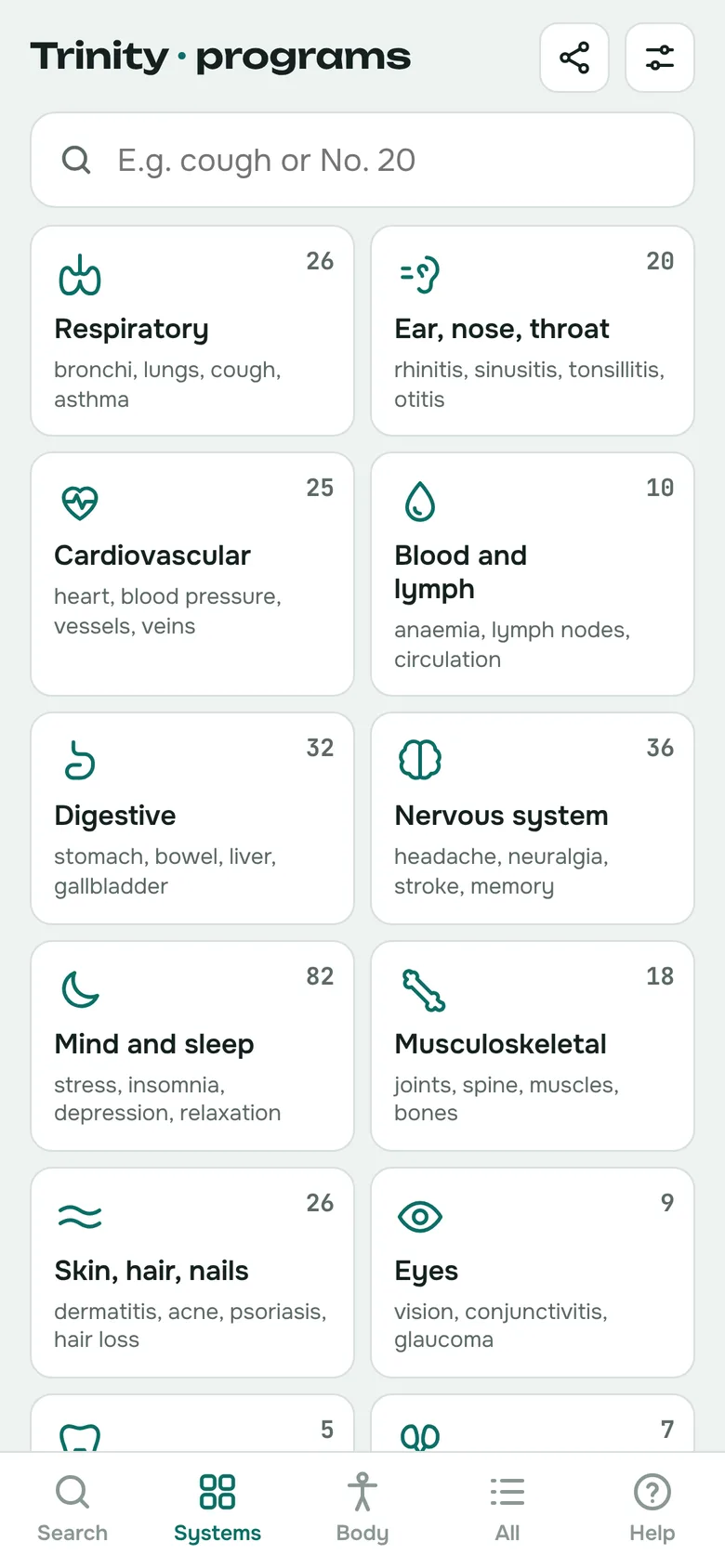
21 body systems — respiratory, cardiovascular, digestive, mind and sleep and more. The best-matching complexes come first.
A front and back figure: lungs, heart, stomach, kidneys, lower back, knees. Handy when you know where it hurts but not what the problem is called.
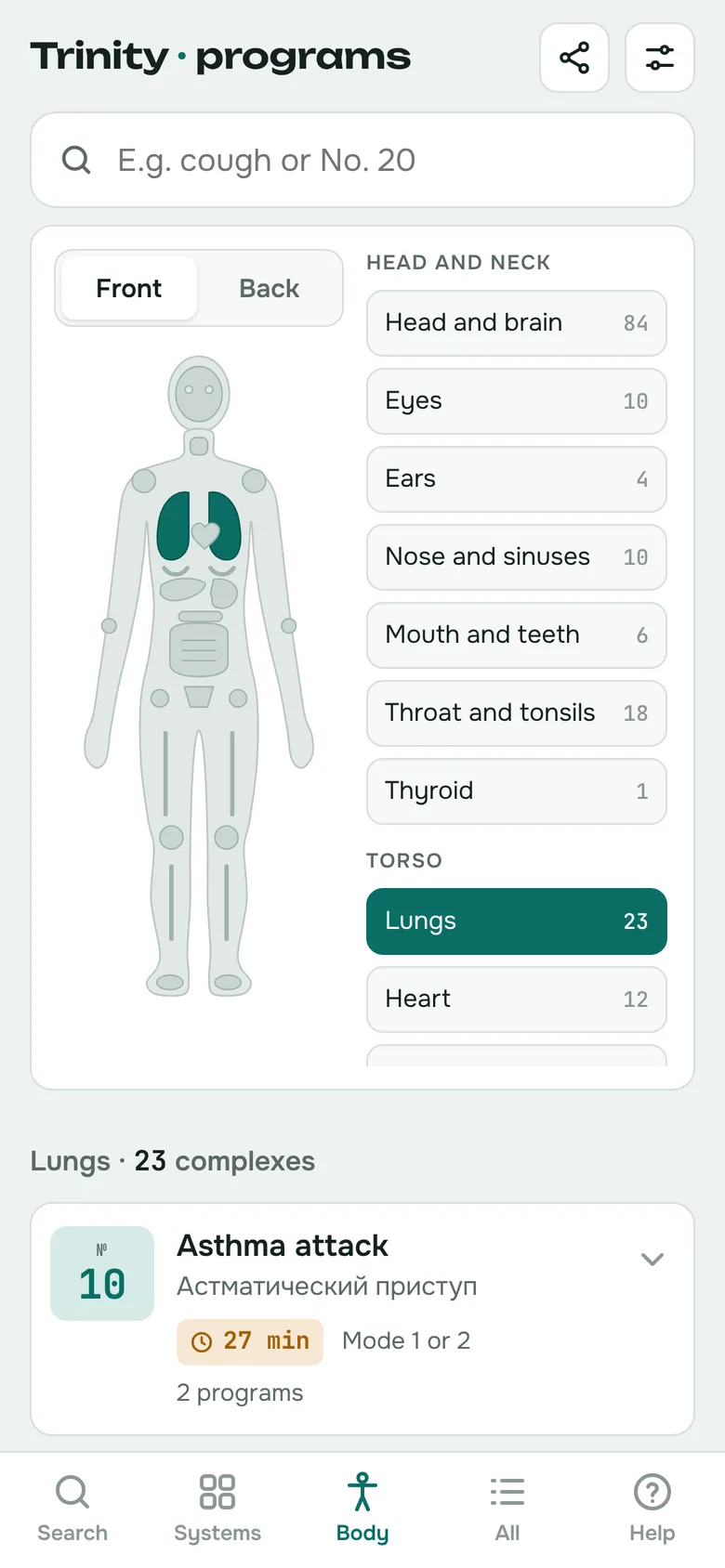
Every complex shows its device number, duration and mode at a glance.
Over 1,200 sub-programs translated from Russian into English and Bulgarian. The second line shows the original.
Interface in English, Russian or Bulgarian. Search covers all three at once.
Installs on your phone like an app and opens from the home screen, even without a connection.
When the list on the device changes, the app is updated from the profile the Trinity software exports.
QR code and a link for Viber, WhatsApp, Telegram, email or SMS — right from the app.
Trinity is a compact bioresonance device by Biomedis with four modes: modes 1–3 for bioresonance and structural-resonance correction and mode 4 for transcranial stimulation. The manufacturer lists more than 1,000 programs and complexes, and custom complexes are created with the Biomedis M software. Trinity · programs is a reference to the device's list of complexes.
Official Biomedis website ↗Try every feature for 14 days, with no sign-up and no bank card. Then unlock the app with a one-time payment, no subscription.
Write to trinity@impact-bg.com. We will send you payment details for 9 € via Paysera and an unlock code within 24 hours.
No. Trinity · programs is an independent reference made by Trinity users. It is not affiliated with Biomedis and does not control the device — it helps you quickly find the number of the program you then run on the device.
Type the complaint into the search box — for example “cough”, “headache” or “high blood pressure”. The app lists matching complexes with their number and duration, best matches first.
Yes. The names of all 254 complexes and over 1,300 sub-programs are available in English, Russian and Bulgarian.
Yes. Under “My device” in the menu, pick your list version — “BG extended” (254 complexes) or “English standard” (218 complexes). Numbers, sub-programs and durations follow the version you choose.
Only the first time. Once installed on your phone, the app works offline.
On Android, tap “Install” at the top of the app. On iPhone, open the page in Safari, tap the Share button and choose “Add to Home Screen”.
We update the app from the device’s new profile and installed copies update themselves the next time they open online. You can also upload the profile with complexes (a file with the .xmlp extension) yourself via “Upload a profile” in the menu — the changes apply to your device.
The first 14 days are free, with every feature. After that Pro costs 9 € one-time, with no subscription, paid via Paysera, and includes all future updates.
Works in the browser on your phone and computer. No sign-up needed.